One link for your dinner. Who’s coming, and what they’re eating.
A free event page for group dinners and parties. Guests reply in a few taps, pick their food from the restaurant’s menu, and you send the restaurant one tidy order sheet.
Free. Hosts sign in with Google. Guests don’t sign up at all.
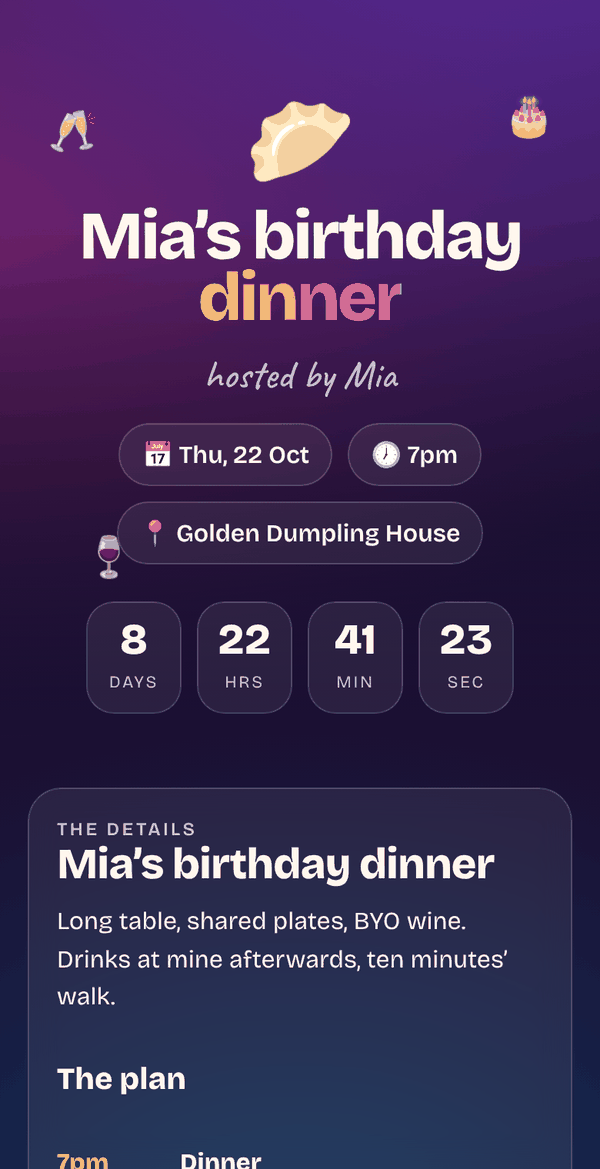
Sound familiar?
- Forty messages in the group chat and you still don’t know who’s coming.
- Half your friends left Facebook, so the event invite went nowhere.
- The restaurant wants pre-orders by Thursday and you’re typing them into your notes app.
- Three people are “maybe” and one is bringing a friend you’ve never met.
RSVP Me puts the invite, the replies and the food orders in one place, then hands the restaurant a sheet they can cook from.
Replies with no sign-up
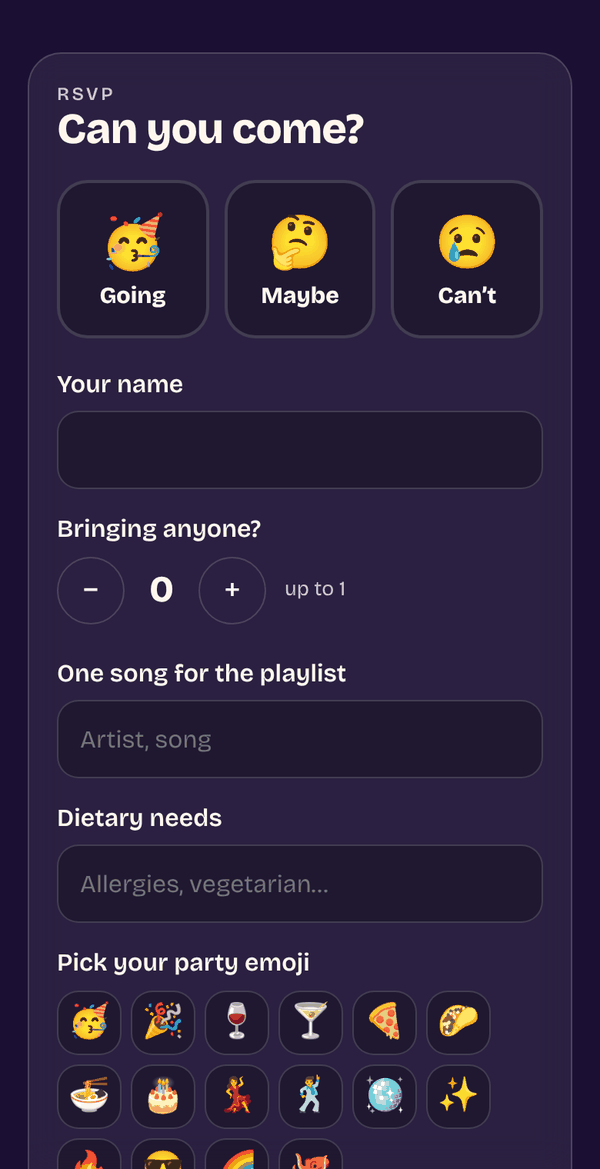
Guests open your link, tap Going, Maybe or Can’t, and type their name. No account, no email, no app to download.
- Plus-ones by name, so you know who “and a friend” is
- Optional questions: dietary needs, a song for the playlist, what they’re bringing, a note for you
- A guest limit with a waiting list that moves people up when someone drops out
- Their browser remembers them, so they can change their reply later
The secret word (optional, and a bit fun)
Put a word in the group chat. Anyone with the link sees the name and date, but the address, the guest list and the reply form only open with the word. Handy when the link gets forwarded further than you meant.
Pre-order from the restaurant’s menu
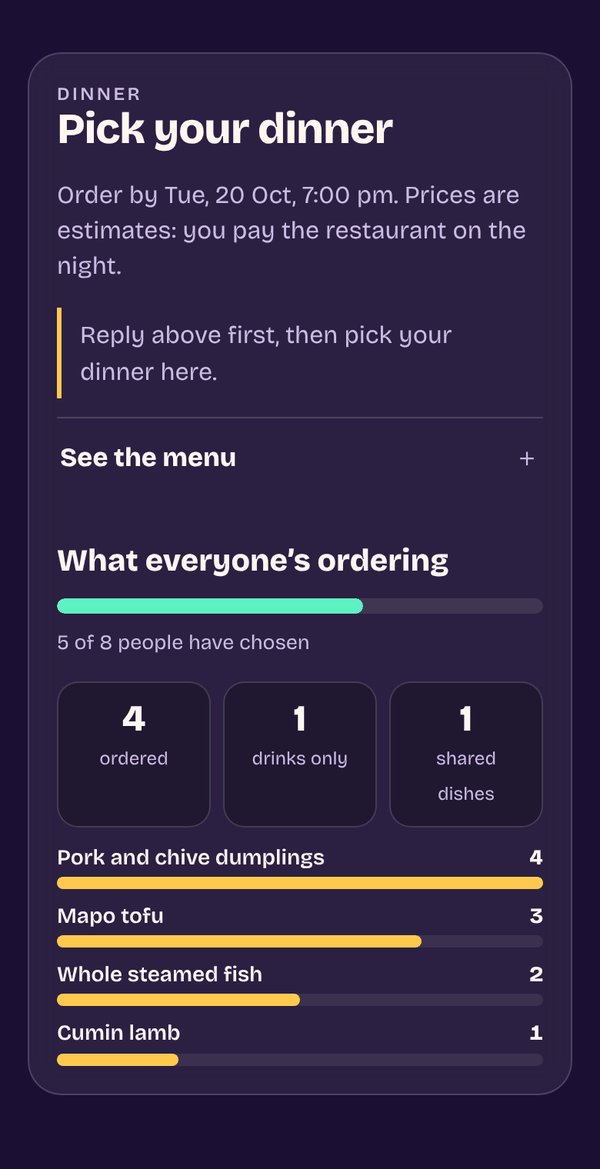
Paste the menu in once. Guests pick their own dishes before the night, so nobody spends twenty minutes ordering at the table.
Shared dishes
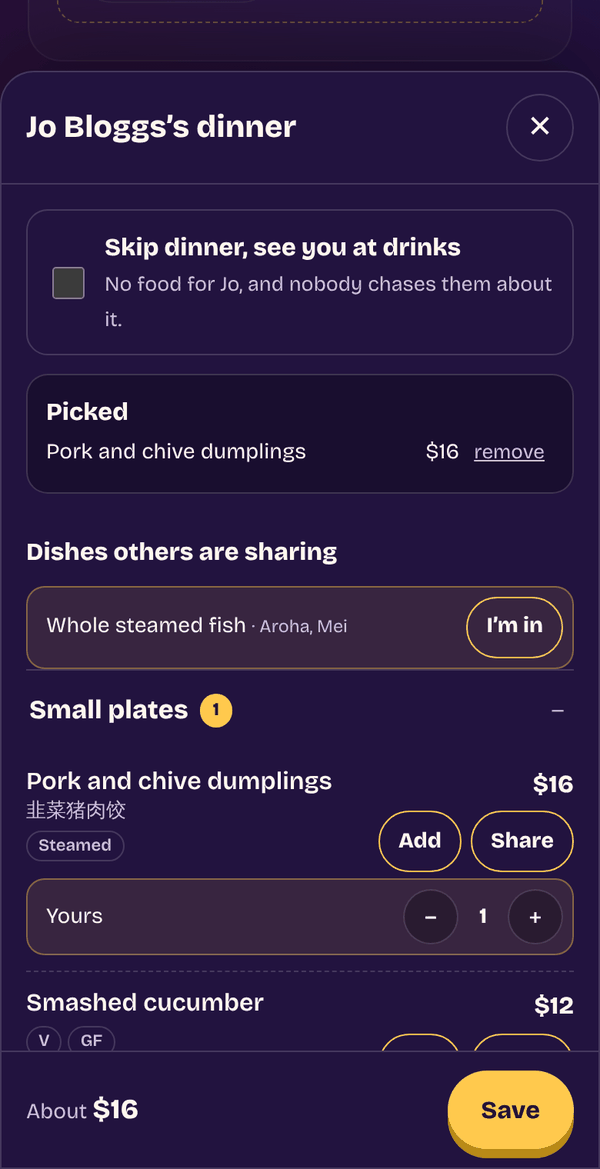
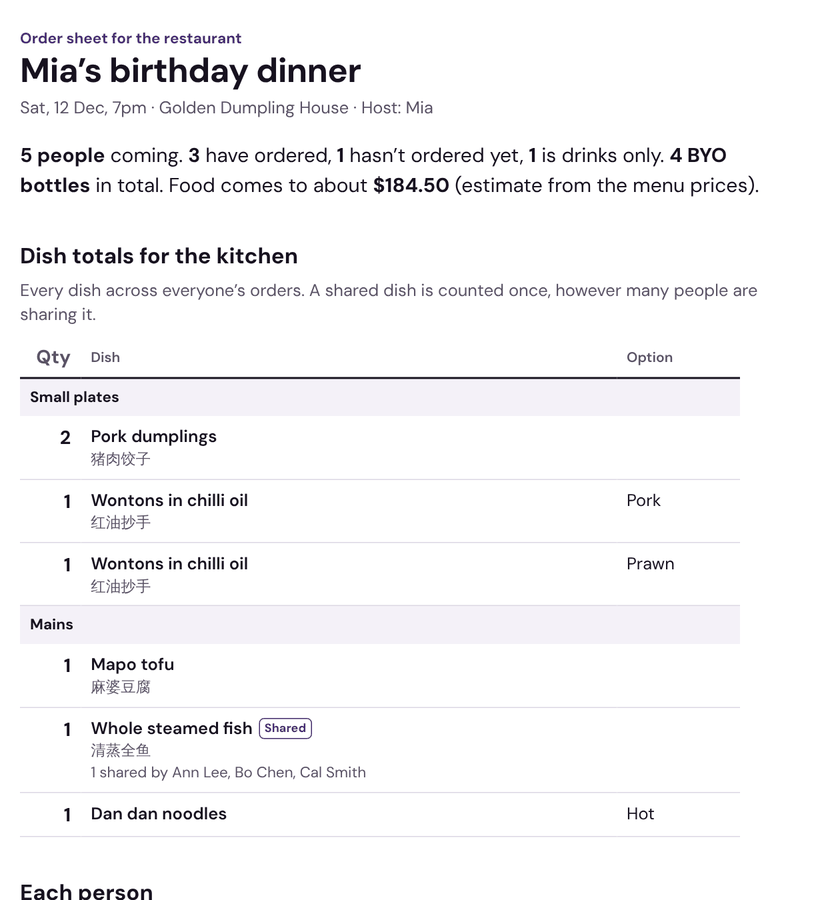
Someone starts a share on the whole fish, others tap “I’m in”. The kitchen sees one fish, and the estimate splits evenly between the people sharing it.
Drinks only
Coming for a drink but not dinner? One tick, and nobody chases them about their order.
Plus-ones order too
Each person gets their own order, with their own dietary needs and BYO bottles.
Second-language names
Add the kitchen’s name for each dish, like 麻婆豆腐 next to Mapo tofu. It shows on the order sheet.
Prices are estimates from the menu you type in. Everyone still pays the restaurant on the night.
The restaurant gets its own order sheet
Send the restaurant a private link. It shows dish totals for the kitchen, then each person’s order, with allergies flagged in red so they can’t be missed.
- Read-only: the restaurant can’t change anything
- Print it with tick boxes, or download a spreadsheet
- Shows names, orders and dietary needs, nothing else
- Stops working two days after the event
It started as the order sheet for a real birthday dinner, shaped by what that restaurant’s kitchen asked for.
Bring list and a quick poll
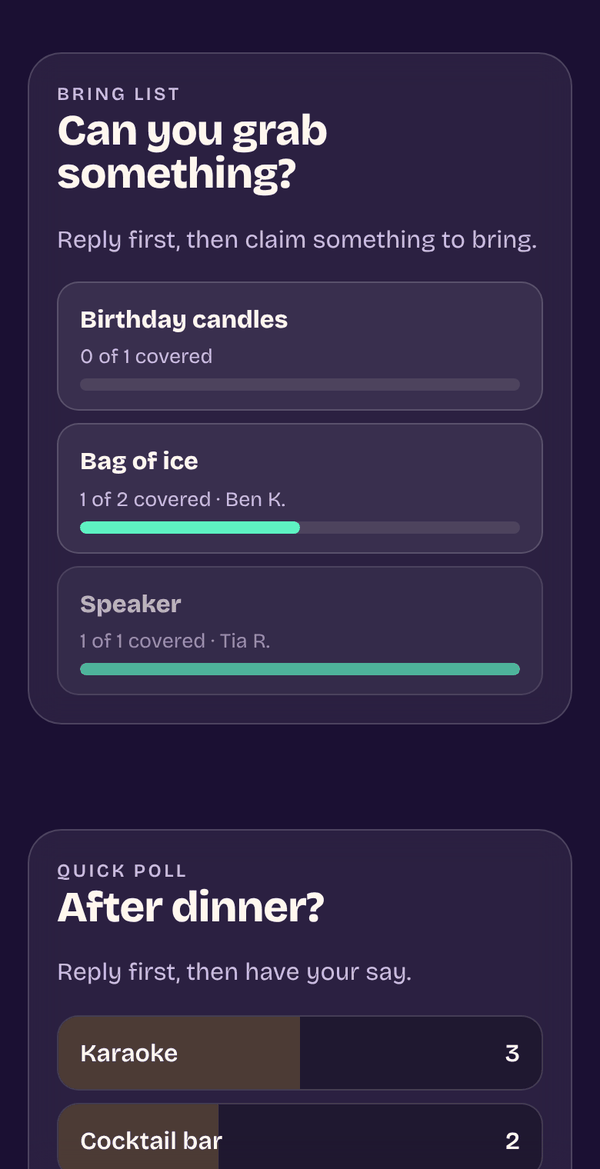
Need ice, candles and a speaker? Add a bring list and guests claim what they’ll bring, so you don’t end up with four bags of chips and no cups.
Can’t decide on karaoke or a bar afterwards? Ask one question with a few options and let everyone vote.
Six looks to pick from
Choose one that fits the night. You can change it any time.
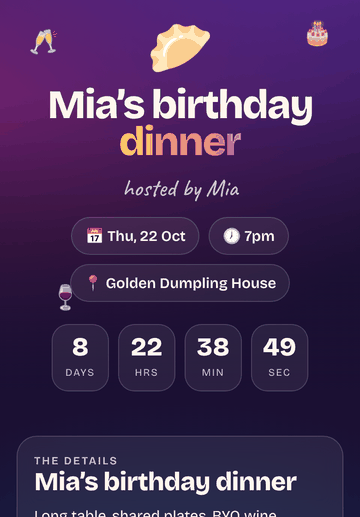 Confetti Night out, all colour
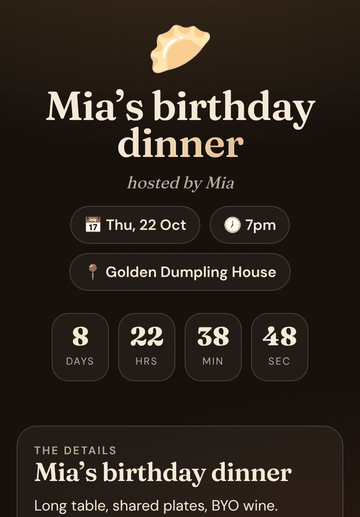 Candlelight Dinner, warm and dark
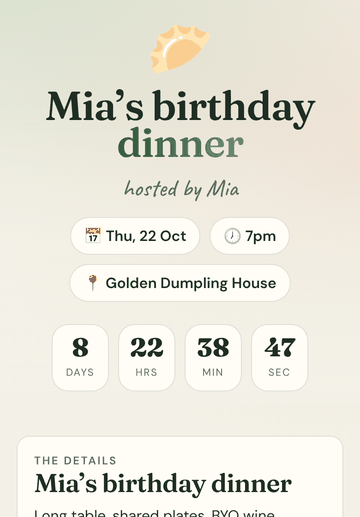 Garden Daytime, leafy
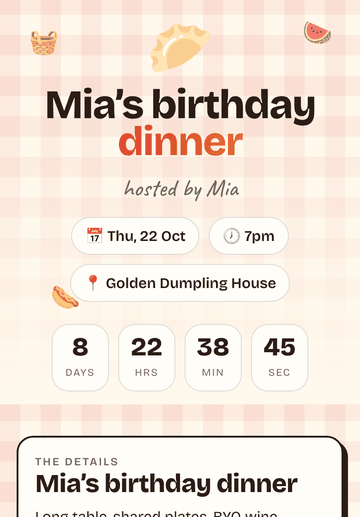 Picnic Gingham, BBQ, park
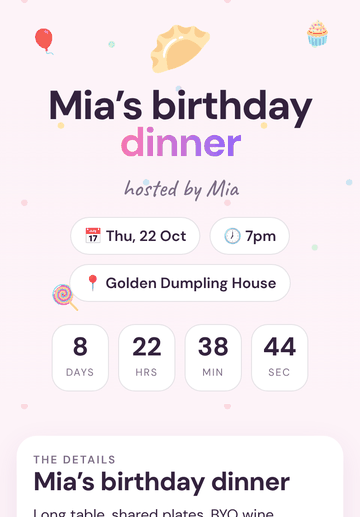 Sprinkles Kids and birthdays
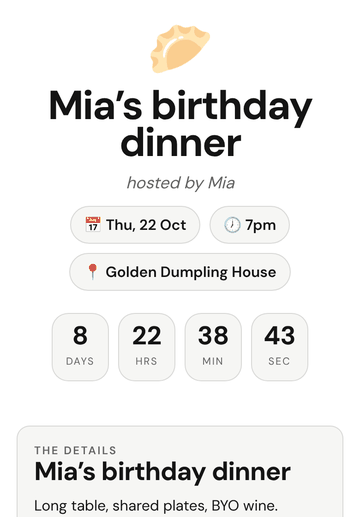 Plain Clean and simple
Private by design
- No ads, no tracking
- No advertising, no analytics, no tracking cookies. Nothing is sold, to anyone.
- Guests stay low-key
- Other guests see first names and an initial, and only if you choose to show the guest list.
- Gone after 90 days
- Every event, and everything about it, is deleted automatically 90 days after the event.
- Delete any time
- Delete an event, or your whole account, whenever you like.
It’s free. Go on, make one.
Set up your event in a few minutes. You can change anything later.